Home Try it
Try Pennywick without installing it
Below is Pennywick's real interface, rebuilt to run in a browser. Open the scanner, pick one of the sample receipts, and watch it get read and filed — the same three taps the app does on your phone. Nothing is uploaded, and nothing is a screenshot: every tab works.
The app itself is iPhone only today and needs iOS 18 or later — an Android version is on the way, aimed at early 2027 at the latest. Until then this page is the closest you can get to it on a computer.
Scan a receipt.
Watch it land.
This is Pennywick's real interface, running in your browser. Pick one of the sample receipts, watch it get read, and see it turn up in your ledger — the same three taps the app does on your phone.
- Three taps. Scan, glance, save — the whole loop.
- On device. Receipts are read on your phone, never uploaded.
- Really interactive. Every tab below works. Nothing is a screenshot.
Overview
What it looks like on a phone
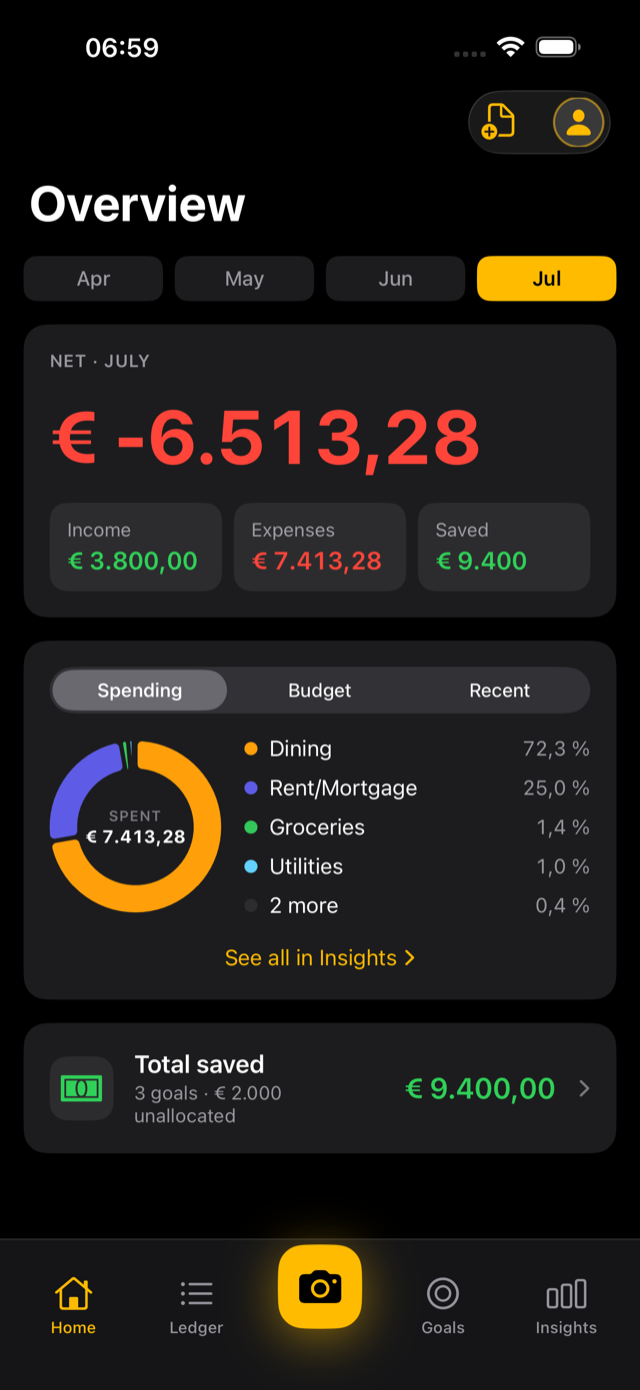
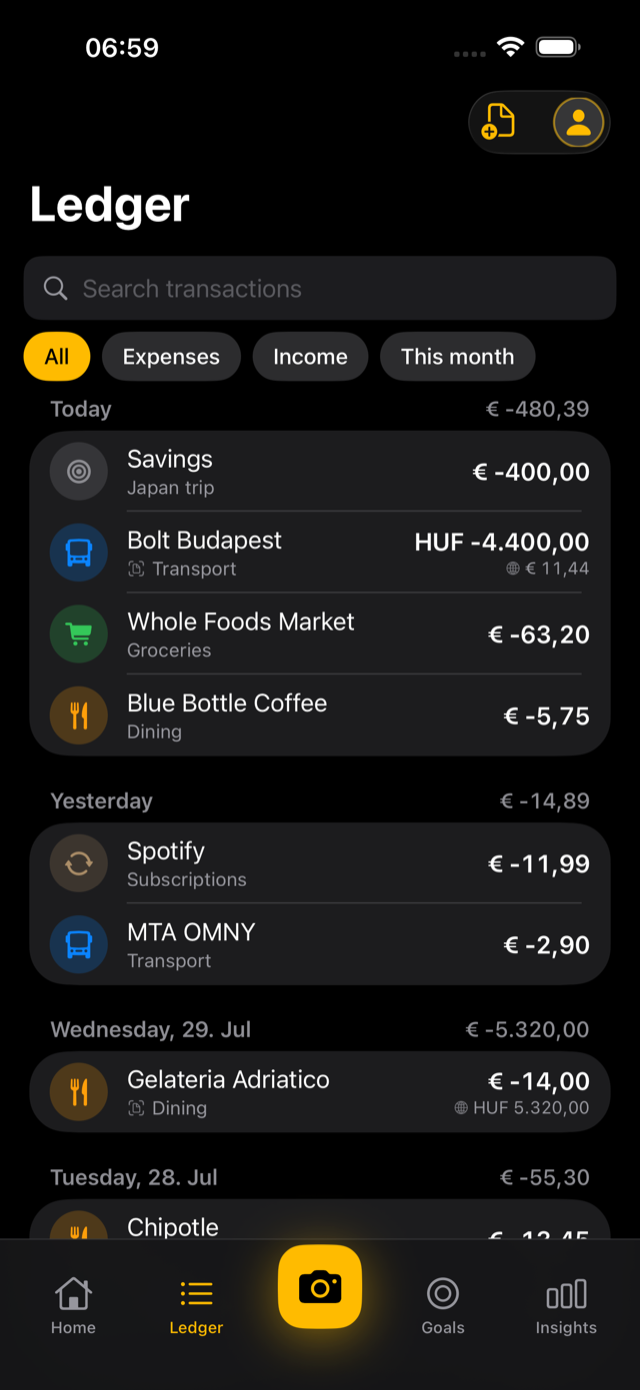
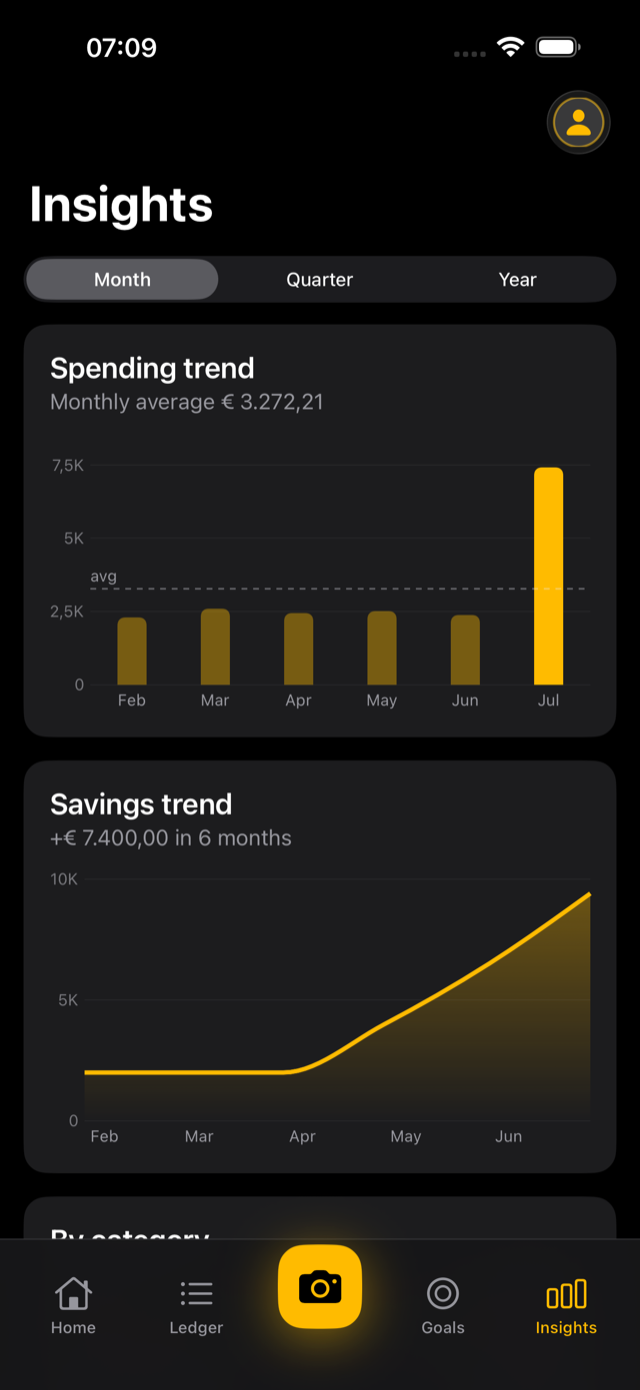
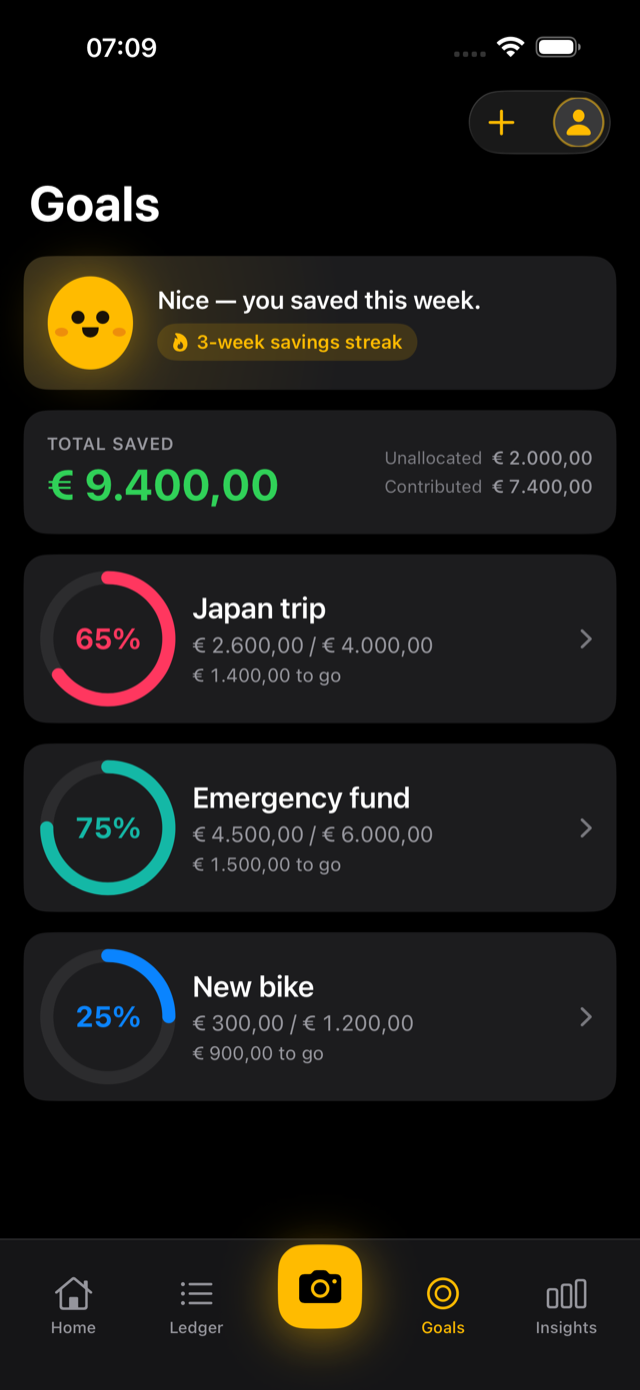
The demo above runs at browser scale. These are the four screens as they appear on an iPhone.


Ready for the real thing?
Pennywick is free to use, with one optional purchase for everything it does on your device — see how pricing works. Either way your ledger stays on your device and in your own iCloud.

Or open the App Store listing directly.